
Your assistant drafts.
Your rules hold.
You approve.
The social media manager your AI assistant can run, inside rules you set. Posts reach Instagram, TikTok, Threads, YouTube and Facebook only after you say yes.
MCP first. Works in Claude, Claude Code, ChatGPT and Codex.
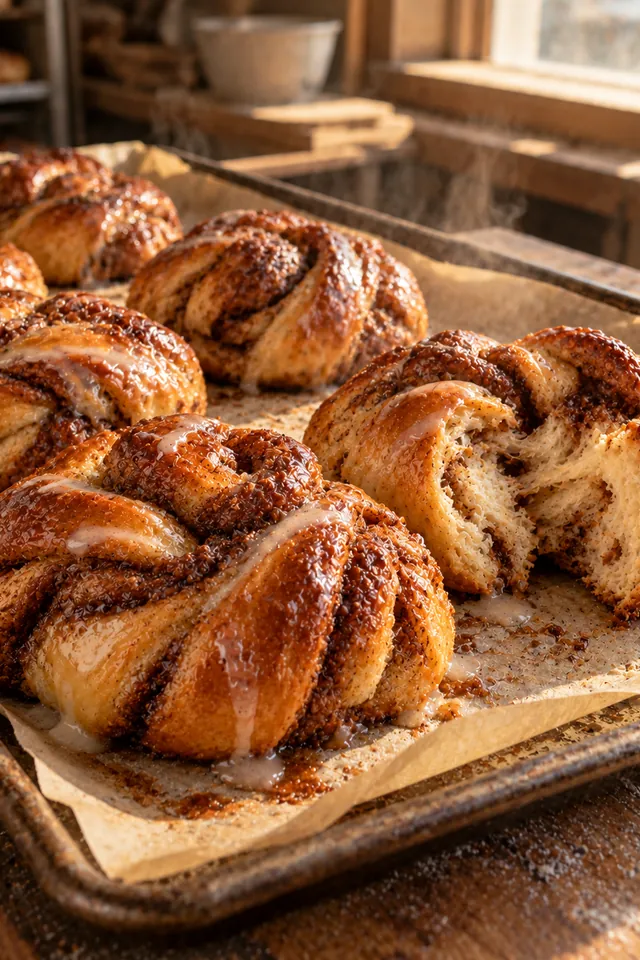
Pull-apart rolls (trending sound)
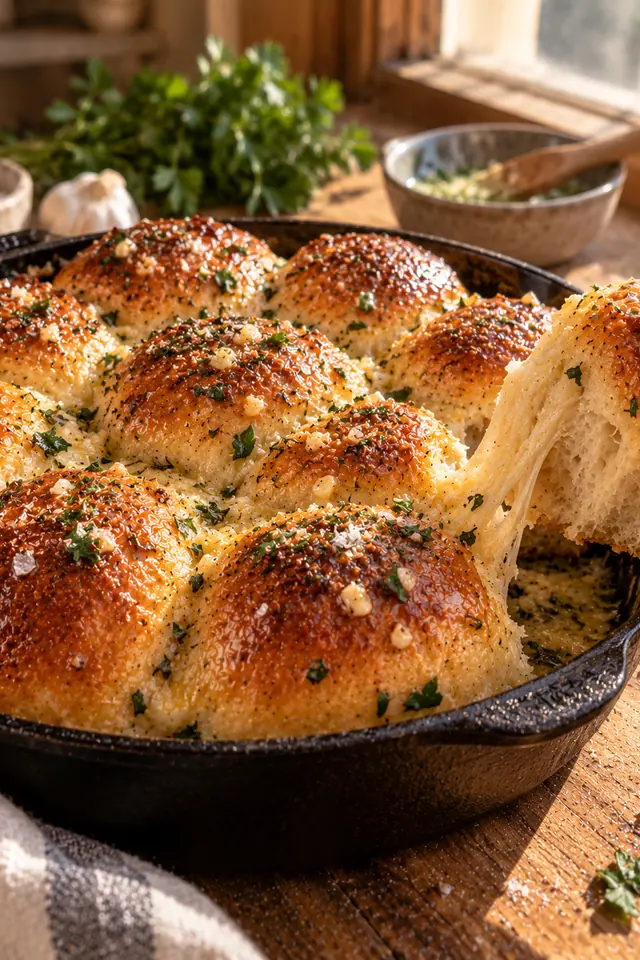
Caption
Pull-apart rolls, out of the oven at 7. Butter, sea salt, and a trending sound we couldn't resist.
Checking your rulesPasses 3 of 3 rules
- Account connected
- Inside today's posting limit
- Caption under 2,200 characters
Goes out today, 11:30 AM, once approvedScheduled for today, 11:30 AM
Up next
Hearth Street Bakery is a made-up example.
How a post gets out
-
01
Your assistant drafts
Connect Claude or another assistant to write captions, pick open slots and file media through tools you control.
-
02
Your rules hold
Approvals, posting limits and reply rules are enforced on our server, so no tool can skip them.
-
03
A person approves
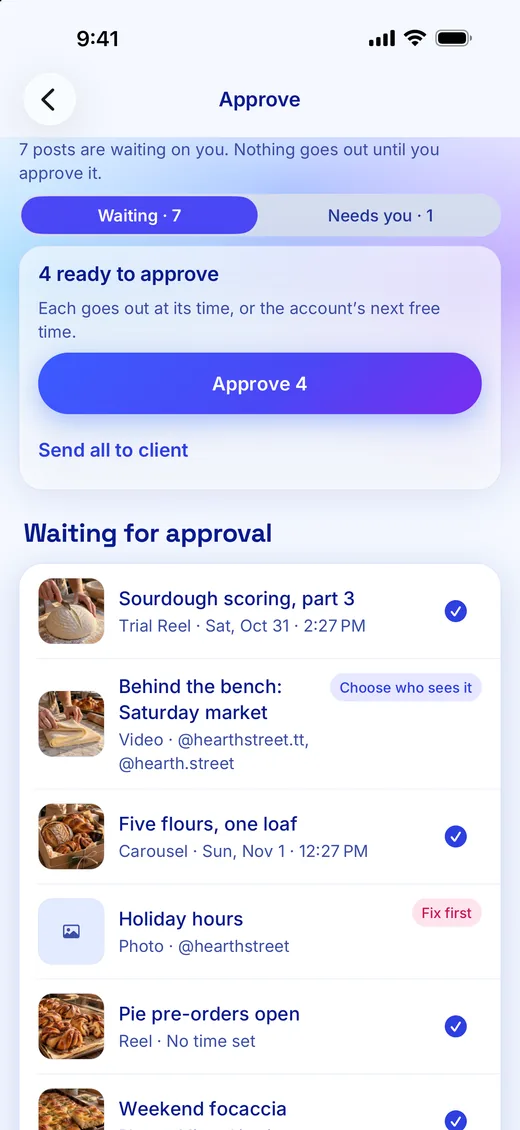
Nothing goes out until someone on your team says yes, on the web or on iPhone.
On your iPhone
Film with a prompter and get a first cut with captions on. Swipe right to approve, with a moment to undo.
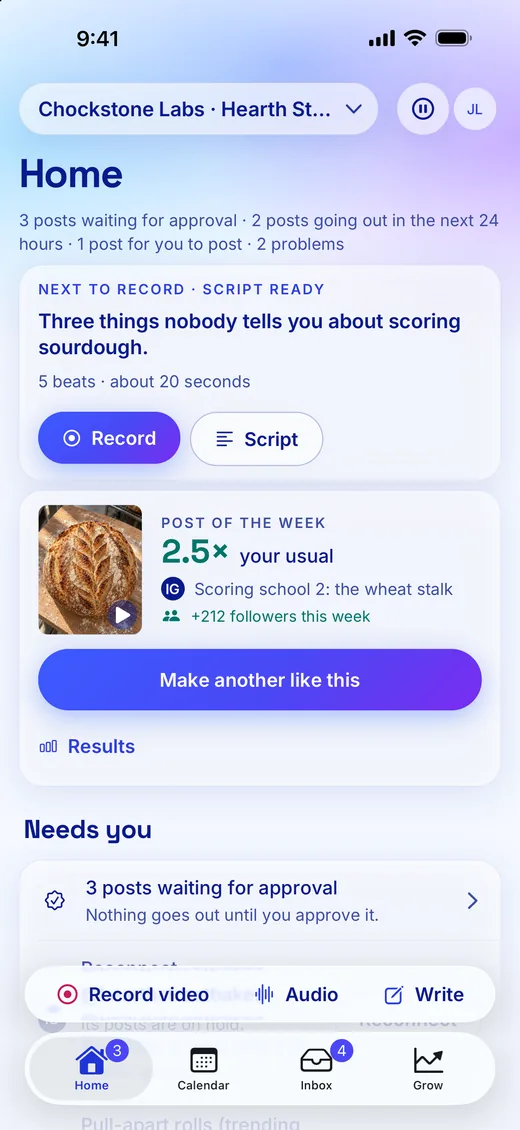
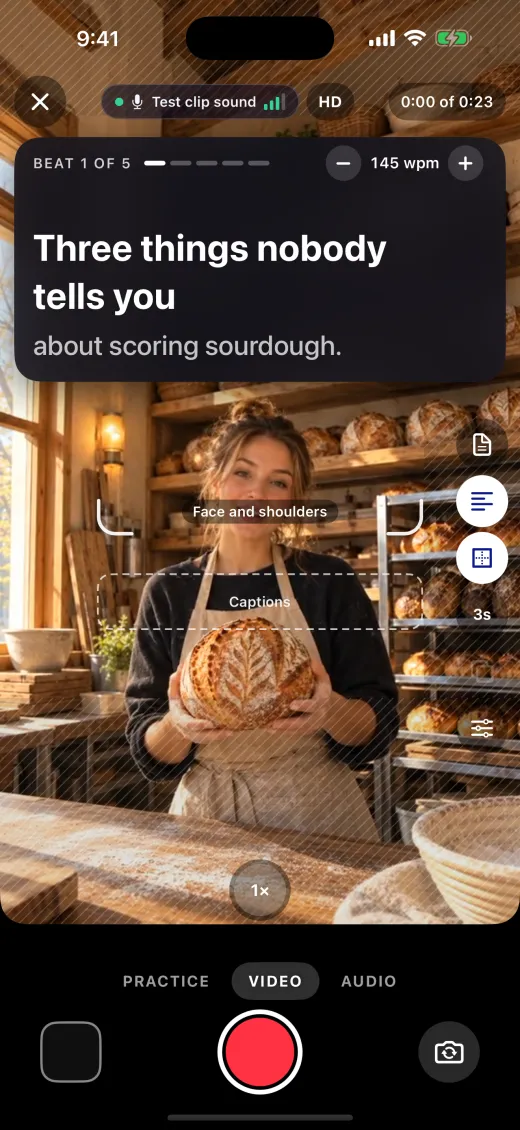
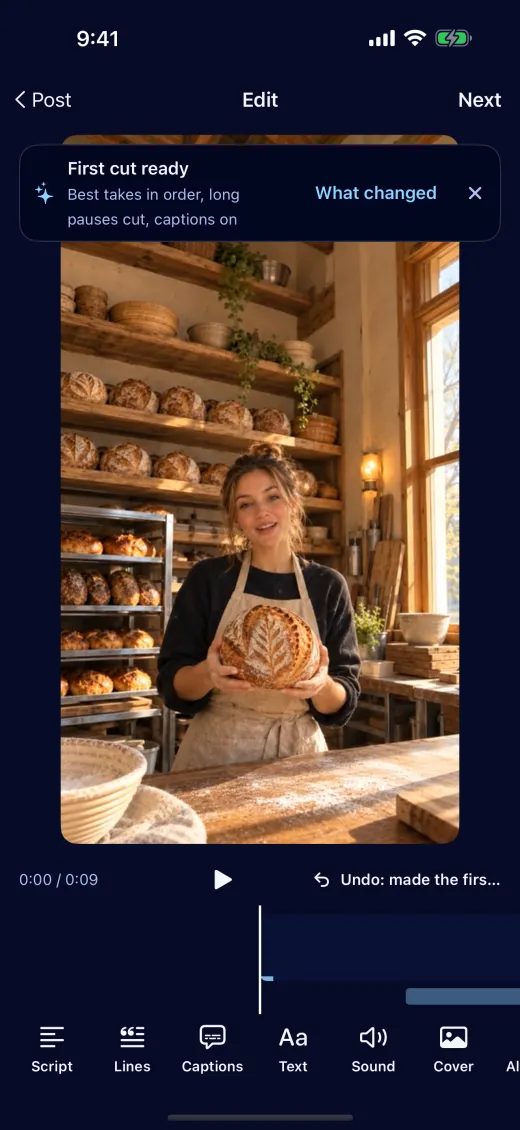
How people use Chockstone
Local business
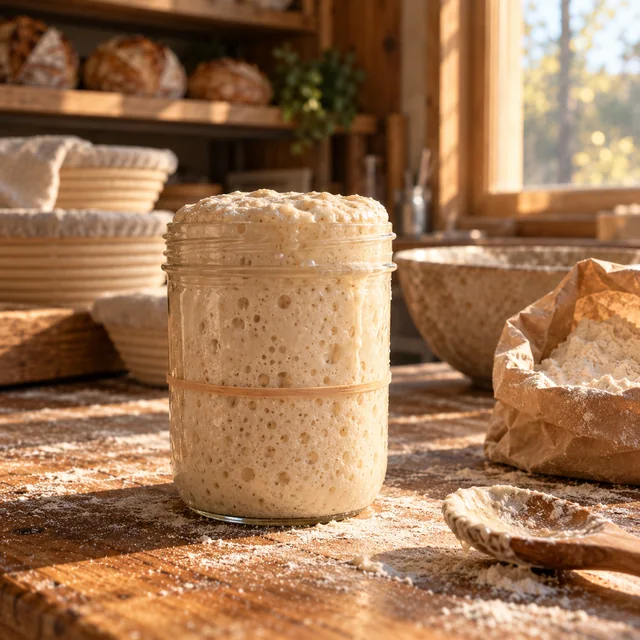
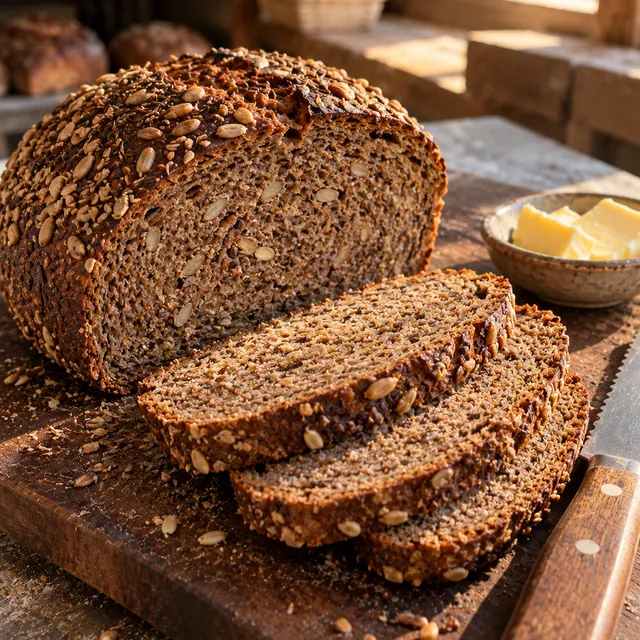
Post the morning bake without leaving the bench.
- Your assistant drafts the week from your photos and picks the open slots.
- Swipe to approve on your phone, and each post goes out at its time.
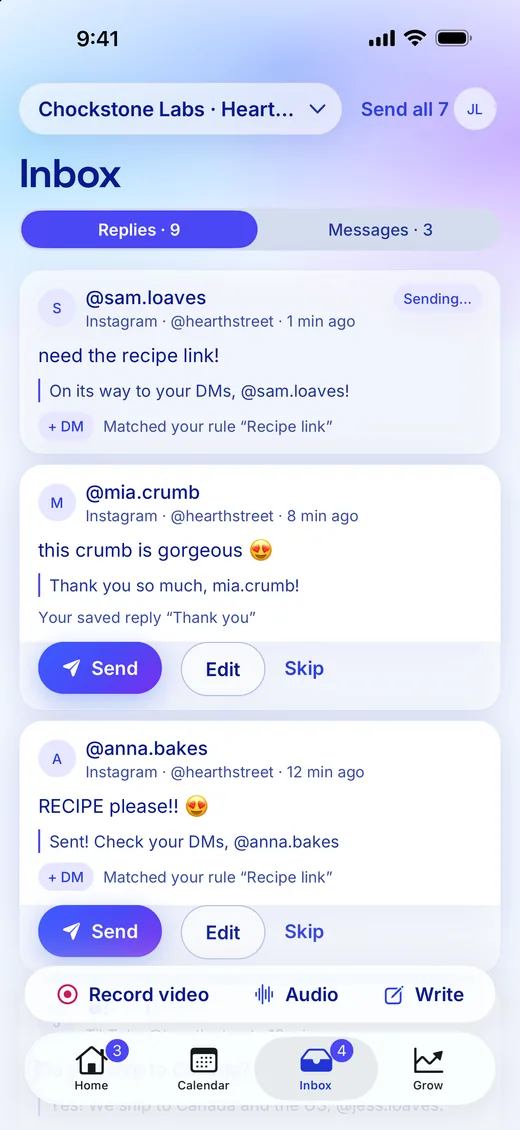
- Someone comments MENU, and a rule sends them the menu by direct message.
Hearth Street Bakery is a made-up example.
Creator
One link page for the gear, the codes and the posts.
- Each post on your link page opens to the gear in it, and taps count by post.
- Codes carry end dates, and Needs a look flags the ones ending soon.
- A sponsor approves the video through a link, with no seat to buy.




Ridgeline is a made-up example.
Small shop
Every product post opens to what is in it.
- Attach the product links to a post, and your link page shows them under it.
- Taps by post show which photo sends people to the shop.
- Weekly tuning moves the most-tapped links up, and pinned ones stay put.
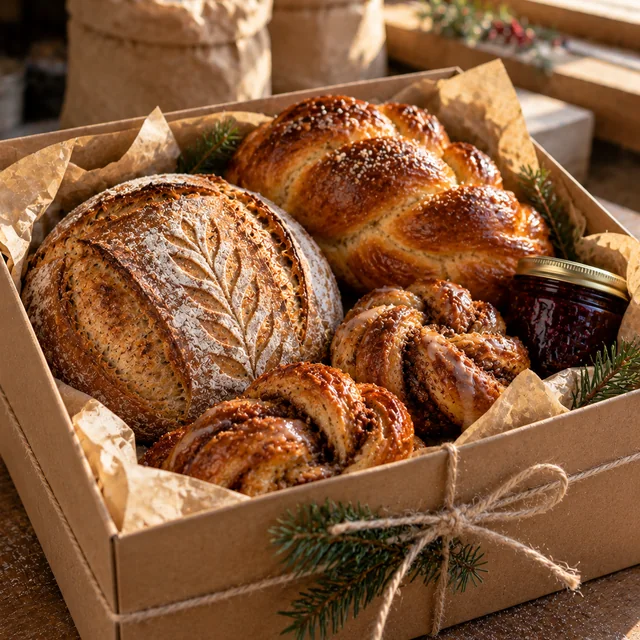
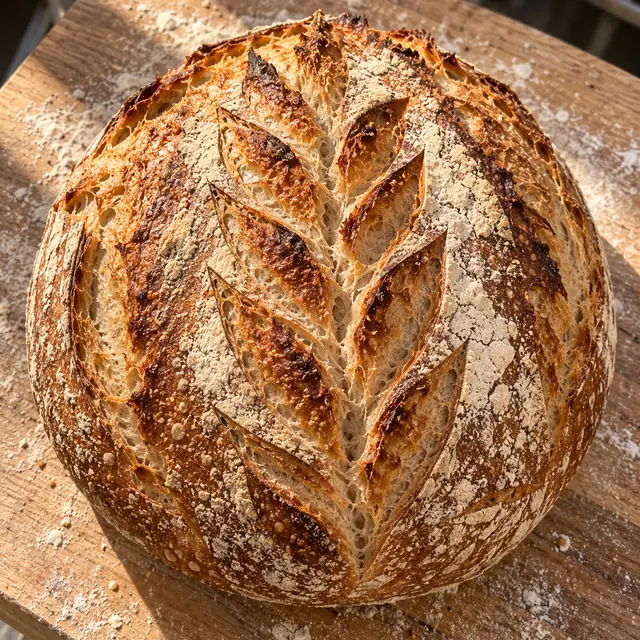
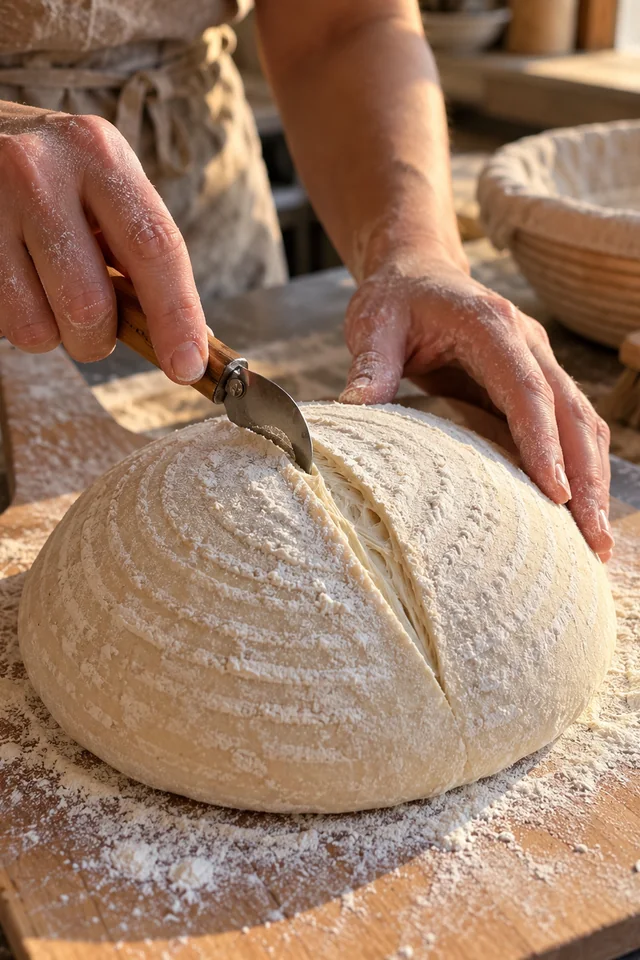
Hearth Street Bakery is a made-up example.
Agency
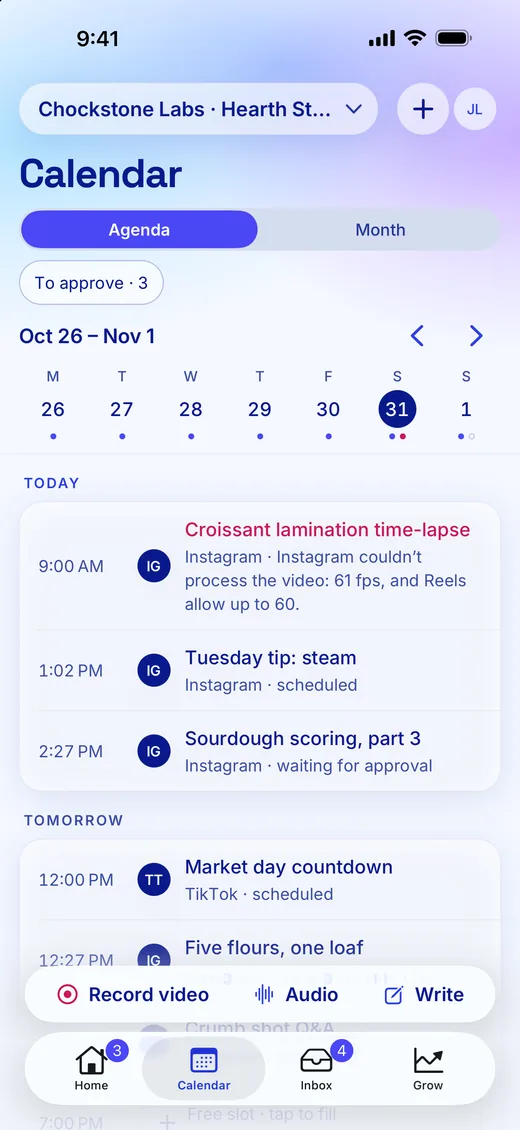
Every client's week on one calendar.
- Each client is a brand with its own accounts, calendar and inbox.
- Clients approve through a link, with no account needed.
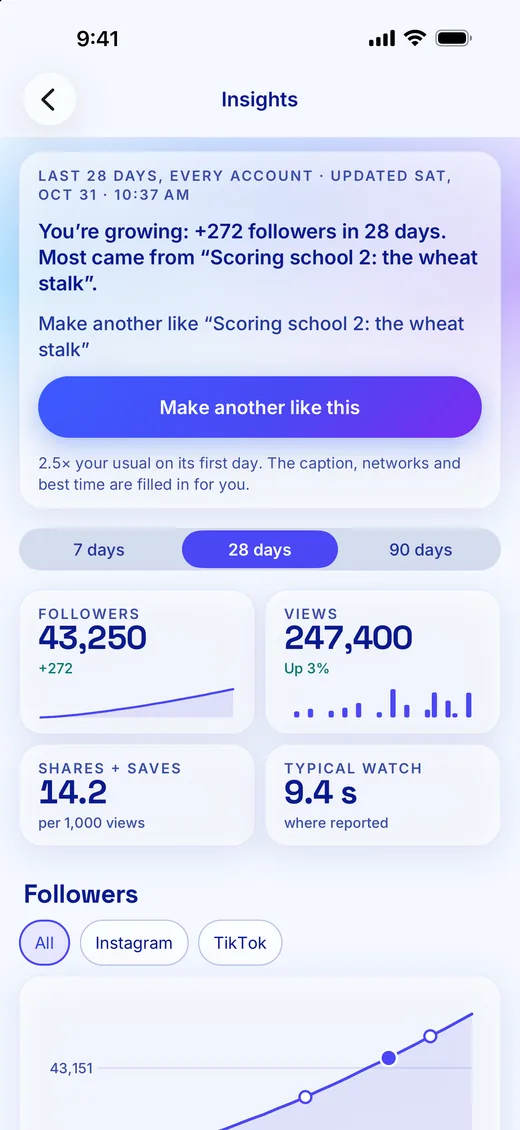
- Printable report links show each client's stats, top posts and link taps.



Hearth Street Bakery and Ridgeline are made-up examples.
Freelancer
Ask the client for clips. Send the report when the month ends.
- Send a file request, and the client's clips land tagged in your library.
- Your assistant drafts the posts, and the client approves through a link.
- Close the month with a printable report link.


Hearth Street Bakery is a made-up example.
Bring Chockstone into Claude, ChatGPT and more
Each assistant below connects to Chockstone over MCP, so you can plan, draft and schedule posts from the chat you already have open. Posts go out to the networks in the second row, and designs come in from Canva.
Assistants
- Claude
- Claude Code
- ChatGPT
- Codex
Networks and tools
- Facebook Pages
- Threads
- TikTok
- YouTube Shorts
- Mastodon
- Google Business Profile
- Canva
For several small brands
Every brand gets its own accounts, calendar and inbox.
Run one brand per client or business. Starter is free for one brand; Creator and Studio hold more, and add client approval links, shared reports and your own link page design.
- A shared calendar by week, month, list or grid, with drafts, drag-to-reschedule and bulk approval.
- Approvals by your team, or by a client through a link, with no account needed.
- Publishing to Instagram, Facebook Pages, Threads, TikTok and YouTube Shorts, including Reels, Stories and carousels.
MCP first
Your assistant does the work. The rules live with us.
Your assistant drafts, schedules, answers comments and reports, with the permissions you give it. Our servers enforce approvals, posting limits and messaging rules, whichever assistant you use.
Link in bio
A link page that tests what gets tapped.
Give each account a link-in-bio page that counts taps without cookies.
- A cover photo fills the top and fades into the page, with your name on it.
- Links and Shop on one page: each post opens to the links that go with it.
- A/B tests and weekly tuning move taps to what works. Pinned links stay put.
- Import from Linktree, Beacons, Stan or Carrd in one paste.

Creators and sponsored posts
Keep every code, sponsor and report straight.
- Codes with end dates, flagged before a post outlives its code.
- Sponsor approval links: they watch the video and decide, no seat to buy.
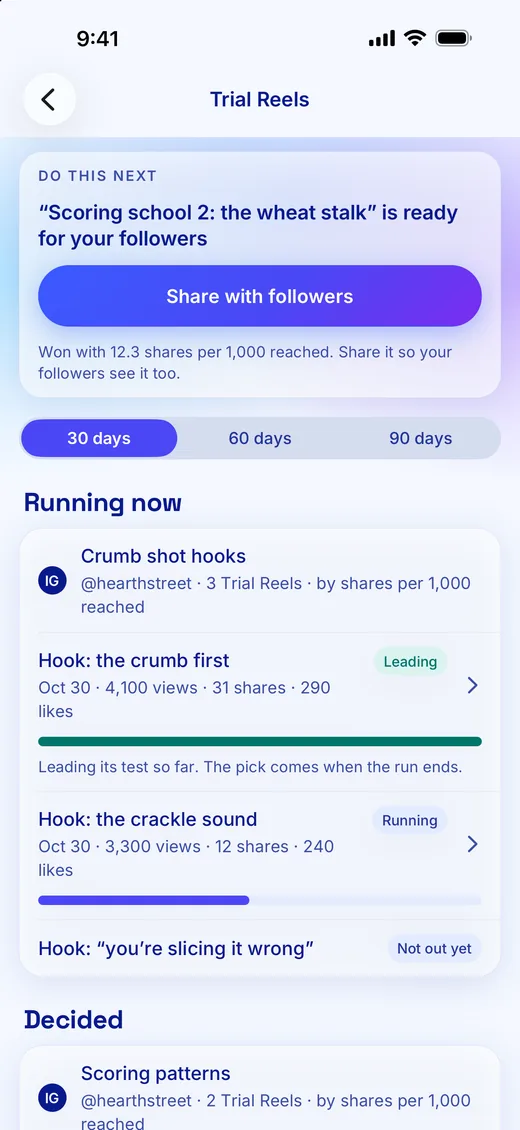
- Trial Reels autopilot picks the winning hook for you.
UGC
Ask for videos. They land in your library.
- File requests: a private link, up to 1 GB a file, and you know who sent what.
- Style references: links to videos you like become a style profile. We keep the links, never their videos.
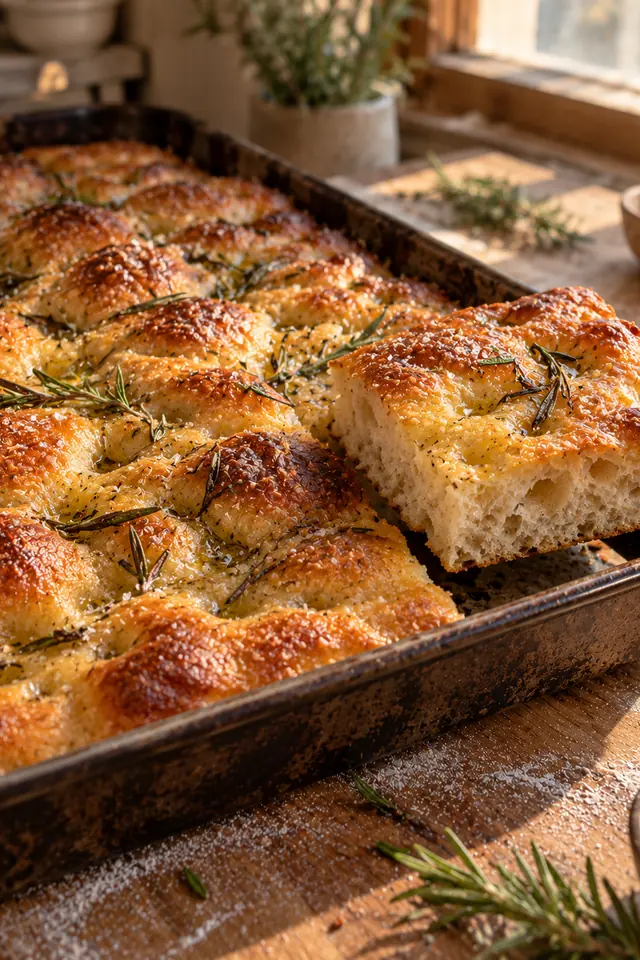
Record and edit
Film it, cut it and caption it on your phone.
The editor opens on a first cut: your best takes in order, long pauses gone, captions on.
- One tap files a take under its video, or in B-roll when no one talks.
- Drop a line and the cut lands in the pause, so no word gets clipped.
- Checks catch a cut in a word or text over a face before you post.
Inbox
One inbox, and replies that follow your rules.
Comments from Instagram, Facebook, Threads and YouTube, and Instagram direct messages, in one place.
- Keyword replies: someone comments MENU, and the menu arrives by direct message.
- Rules start by suggesting, so every answer waits for one tap.
- Links, spam and complaints always wait for you, even when a rule answers on its own.
Brand deals
Brand deals that fit your rules, from inquiry to paid.
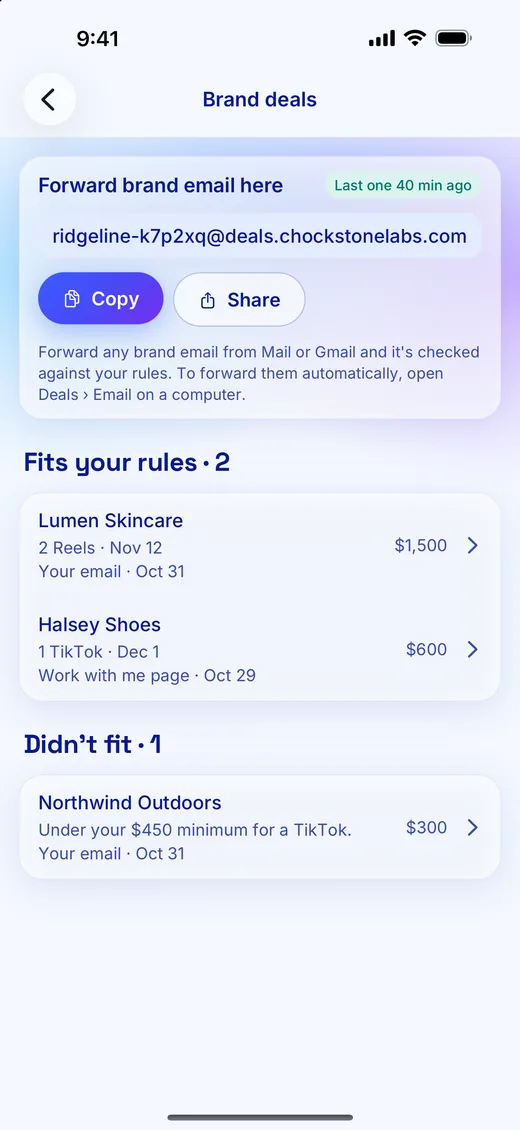
- Work with me: every brief is checked against your rates, categories, ad usage and payment terms first.
- One that doesn't fit never reaches you, and the brand reads why.
- A pipeline from first message to paid, with replies drafted for you to send.
Brand programs
Pick brands you love. Apply to their programs in one pass.
- Discover affiliate and ambassador programs by what you post about, or add any brand by its site.
- Fill your creator profile once. Every application reuses it, and replies land back in Progress.
- Collections put each brand's codes and products on your link page, and a results page shows brands the taps, orders and sales from your codes.
Start free, with no card.
Starter is free for one brand. Creator and Studio hold more, and add client approval links, shared reports and your own link page design. See every feature. Read how we compare in our 2027 research paper. Questions? Email hello@chockstonelabs.com.